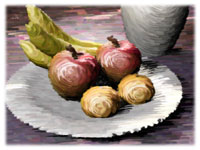
Liquid+ is a non-photorealistic renderer (NPR) for 3ds Max which allows blurred and soft rendering of images with 3D computer graphics.
Create your original brush patterns thanks to a rich variety of settings and combine Liquid+ and Pencil+ to obtain rendered images that look like illustrations created using analog painting materials.
Furthermore, you can apply Liquid+ to specific objects due to its excellent compatibility with the standard 3ds Max line renderer.
Soft Textures
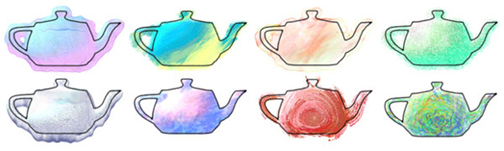
Paint bleeding outside the borders of objects, blur, control over color flow direction, never before seen 3DCG expression becomes possible.
Just like Pencil+, Liquid+ has a feature that detects the movement of objects and animates the strokes of the moving objects.
Great Expressive Power
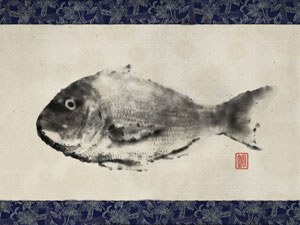
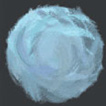
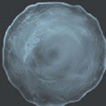
Unthinkable until now for 3DCGs, Liquid+ allows the blurred expression of objects in a 3D space. It also realizes an environment where you can easily create animations that have the feel of watercolor paintings, thanks to its liquid diffusion and color mixing simulator.
In addition, its wealth of settings, such as a feature to emphasize the border of blurred objects, the ability to control the speed of color bleeding, etc. allow a high level of expressiveness.
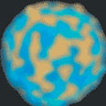
You can almost perfectly imitate hand-drawn images by adjusting bleeding and color mixing, making whites transparent, creating areas of color unevenness, all by adjusting the settings of Liquid+'s painting materials.
Consists of two plug-ins
Just like Pencil+, Liquid+ actually includes 2 plug-ins. Liquid+ Material controls the objects' colors and textures while Liquid+ Line controls the outlines of objects' boundaries.
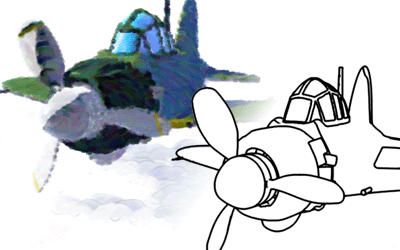
Liquid+ Material
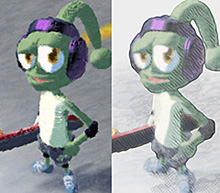
Liquid+ Material is accessed through the material editor. It allows the creation of rendered images with rich stroke expression through the use of its extensive settings.
Furthermore, by interacting with Pencil+, you can access an even broader range of expressiveness by freely controlling shading or having Pencil+ paint strokes after Liquid+'s processing.
Liquid+ draws strokes using a brush defined in the brush editor. You can also read external image files to be used as new brush patterns.
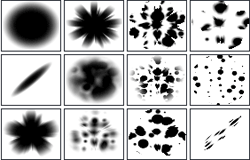
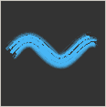
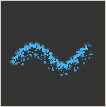
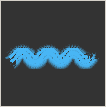
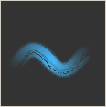
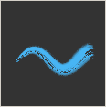
Stroke characteristics can be controlled very precisely by adjusting parameters such as stroke spacing, stroke cycle, alpha damping, line reduction, etc.
Liquid+ Line
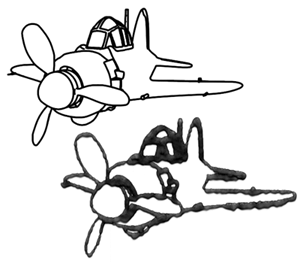
Liquid+ Line, as a rendering effect, performs high speed 2D processing to draw contour lines.
Produce images that have the feel of natural hand-drawn images thanks to the distortion feature as well as the ability to adjust line thickness to match objects' shapes. You can also add and adjust line bleeding.
